

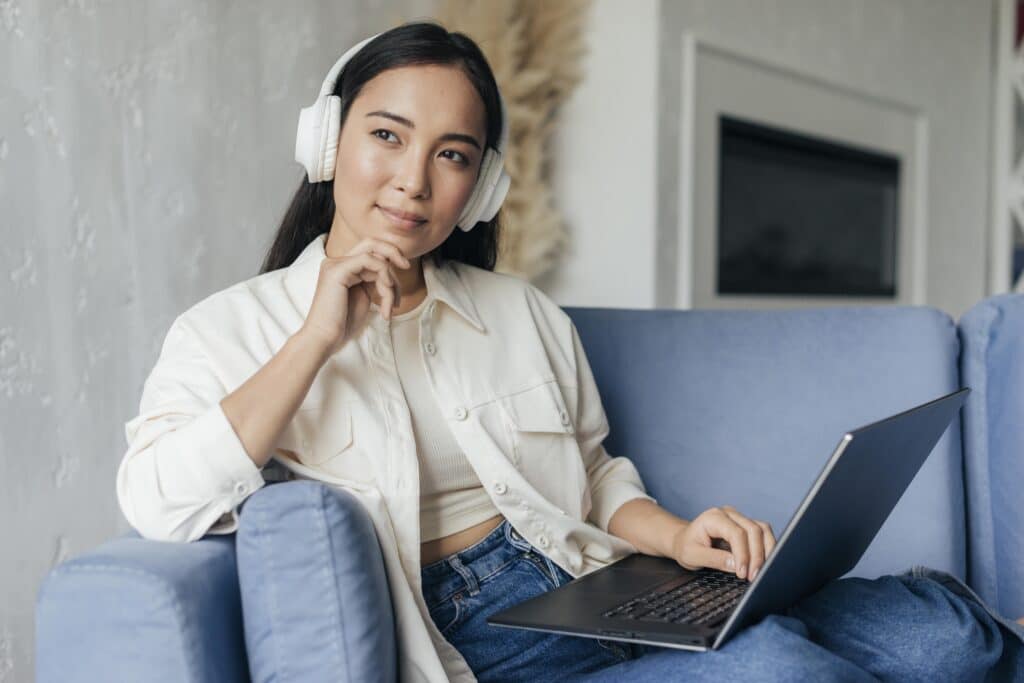
Live streaming no longer requires everyone to be in the same room. With the right tools and preparation, creators can host dynamic, professional streams with remote co-hosts anywhere in the world. Whether you are running a podcast, panel discussion, or co-branded event, seamless integration across locations can elevate both content and reach.
Choosing Low-Latency Streaming Tools
One of the biggest challenges in remote collaboration is delay. Even slight lag can disrupt conversation flow and create awkward overlaps. Platforms such as StreamYard, Riverside, and OBS with remote plug-ins are designed to reduce latency while maintaining strong audio and video quality.
When selecting a tool, prioritize browser-based systems that record locally while streaming. This ensures higher quality recordings even if internet stability fluctuates. Always conduct a short technical rehearsal before going live to test timing and connection strength.
Synchronizing Audio and Video Feeds
Clear audio should always be the top priority. Encourage co-hosts to use external microphones and headphones to prevent echo and feedback. Wired internet connections provide more stable performance than Wi-Fi when possible.
For visual consistency, align camera angles and lighting as closely as possible between hosts. While each space may differ, maintaining similar framing and brightness levels helps the stream look unified rather than fragmented.
Using Shared Screens and Visual Assets
Collaborative streams often benefit from shared visuals. Whether you are presenting slides, reviewing content, or reacting to clips, screen sharing tools add depth to the conversation.
Before going live, assign one person to manage screen transitions. Clear communication about who controls visuals avoids confusion. Keep graphics simple and readable, especially for viewers watching on mobile devices.
Coordinating Roles and Flow
A smooth collaborative stream depends on defined roles. Decide in advance who will introduce segments, monitor chat, manage time, and handle technical adjustments. Having a clear run-of-show prevents talking over one another and keeps energy balanced.
Establish simple handoff cues such as verbal transitions or brief pauses. This maintains conversational rhythm and reduces the impact of minor latency differences.
Final Thoughts
Collaborative live streaming expands your creative possibilities and audience reach. With reliable low-latency tools, synchronized audio and video, and thoughtful coordination, remote co-hosting can feel just as natural as being in the same studio. The key is preparation and clarity. When each host knows their role and the technology supports the flow, distance becomes invisible to the viewer.
Looking to take your show to the next level? Book a session at Modern Stoa Podcast Studio. Go to modernstoa.co/studio.